

remote access– tag –
-

How to Use SoftEther VPN Client Manager on Windows Profiles, Connections, and Troubleshooting
SoftEther VPN Client Manager is more than a simple tool for starting a VPN connection. On Windows, it functions as the central place where you create, save, organize, and maintain connection settings for repeatable remote access. Once yo... -
SMB over QUIC and Windows 11: Client Support, 24H2 Changes, and Deployment Checks
SMB over QUIC is often discussed as a secure way to publish Windows file access over the internet without exposing TCP 445. However, before administrators think about certificates, DNS, or firewall rules, they need to answer a more basic... -
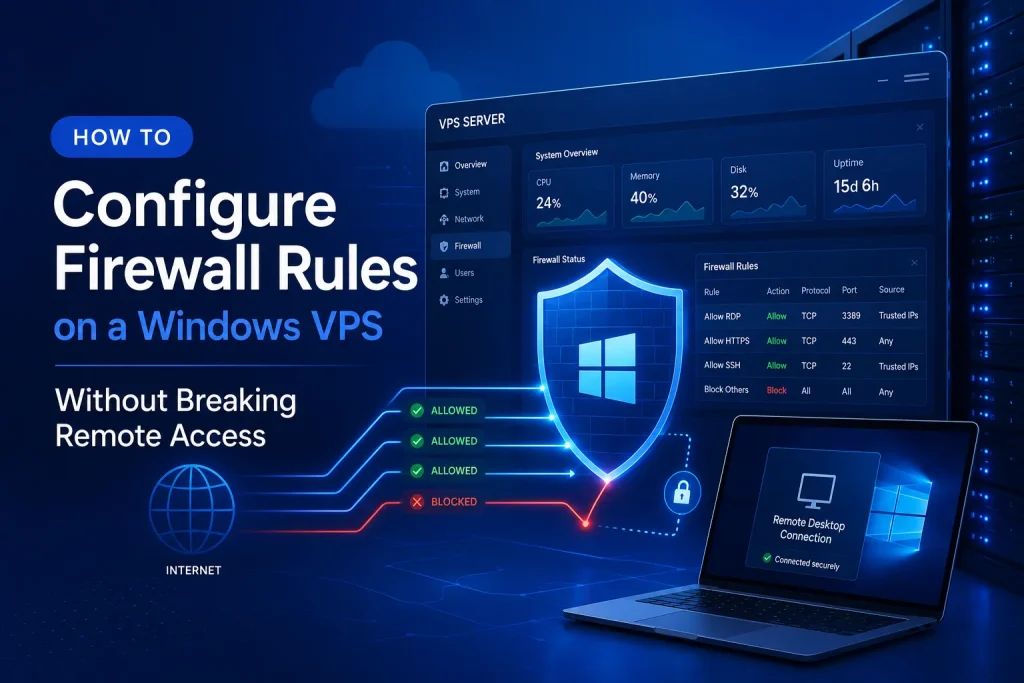
How to Configure Firewall Rules on a Windows VPS Without Breaking Remote Access
Configuring firewall rules on a Windows VPS is not just a technical task. It is part of defining how your server should be accessed, protected, and maintained over time. If too many ports remain open, or if rules are added without a clea... -
Why a Japan-Based VPS Can Be a Smart Choice for AI Fine-Tuning in APAC
When teams evaluate infrastructure for AI fine-tuning, they often focus on model size, GPU resources, and monthly cost. Those factors matter, but they are not the only ones that shape real development workflows. For many teams in Asia-Pa... -
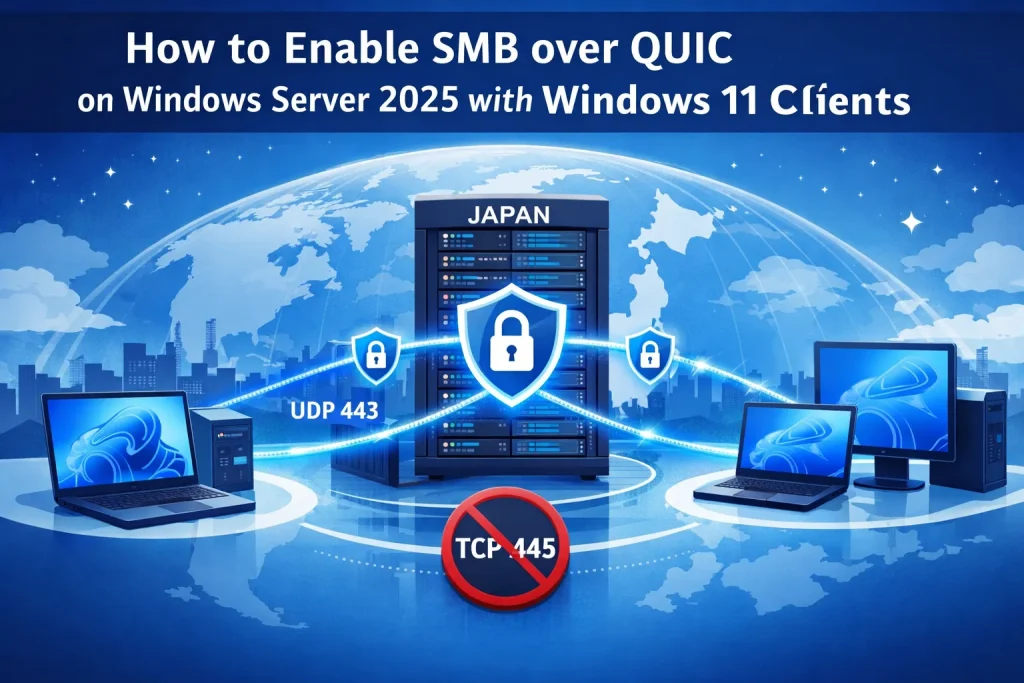
How to Enable SMB over QUIC on Windows Server 2025 with Windows 11 Clients
SMB over QUIC on Windows Server 2025 gives you a secure, modern way to publish file shares over the internet without exposing TCP 445. Instead of forcing users onto a full VPN just to open a shared folder, SMB traffic is wrapped in TLS 1... -
How to Set Up SoftEther VPN Client on Windows: Step-by-Step Guide
SoftEther VPN Client allows you to connect a Windows PC to a SoftEther VPN Server using connection details provided by Winserver or your VPN server administrator. If you have received a host name or IP address, port number, Virtual Hub n...

1