

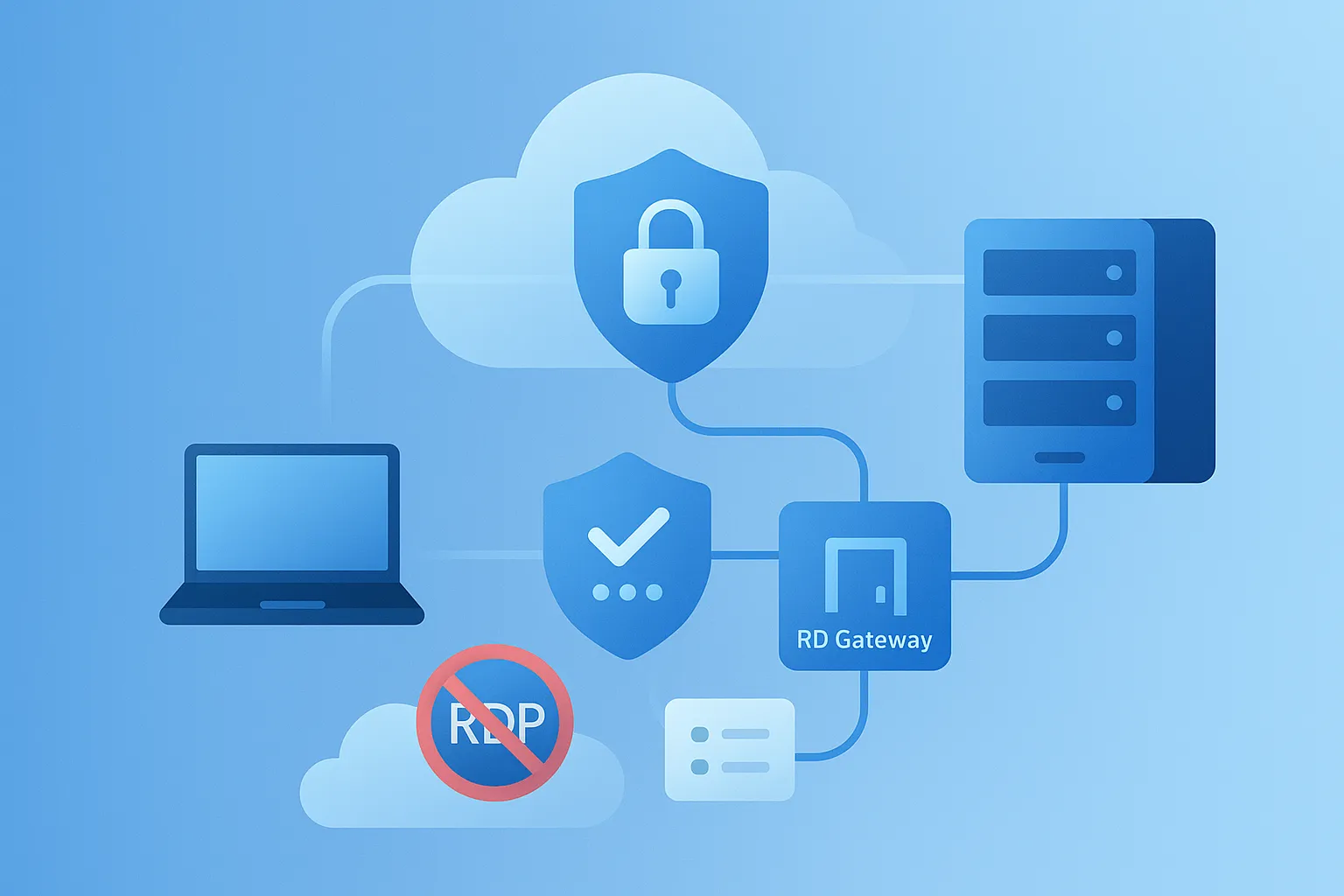
TL;DR: Treat public RDP as an exception. Put RDP behind a VPN or RD Gateway, enforce phishing-resistant MFA, allowlist source IPs, and monitor aggressively.
The 2025 reality
Always-on internet scanning means any exposed 3389/TCP gets hit—often within minutes. Less exposure, more layers, and better identity controls are your best risk reducers.
Do this first (30 minutes)
- Close public 3389 at the edge. If you must keep it, set strict source IP allowlists.
- Front RDP with RD Gateway + MFA. Use NPS/Entra ID (or equivalent) and avoid SMS factors.
- Force Network Level Authentication (NLA) and modern encryption. Disable weak ciphers.
If you’re planning to hide RDP behind a VPN, but you’re not yet familiar with how to set up a client VPN on Windows, the step-by-step SoftEther guide below is a good starting point.
Reference architecture that works
User → VPN (or ZTNA) → RD Gateway (with MFA) → Target host via RDP. This removes direct internet exposure and centralizes auditing and policy.
If you need to connect an entire branch office network to your Japan-based Windows VPS — not just individual admin PCs — the site-to-site SoftEther bridge pattern below is a practical option.
SoftEther VPN on Windows: Site-to-Site Bridge from Overseas to Japan
This removes direct internet exposure and centralizes auditing and policy.
If you still need a basic walkthrough of how to connect to your Windows VPS over Remote Desktop once your secure access path is in place, the guide below covers the fundamentals.
Remote Desktop Setup Guide for Your Windows VPS
Hardening checklist
- Perimeter: default deny, allowlist only known sources.
- Identity: MFA everywhere for admins; rotate credentials and block legacy protocols.
- Session policy: disable drive/clipboard/device redirection unless required.
- Accounts: lockout thresholds and alerts on brute-force patterns.
- OS: keep RDP/RPC patches current; limit local admins; enable firewall on hosts.
Monitor like you mean it
- Alert on spikes in failed sign-ins or any direct 3389 hits from the internet.
- Centralize logs (gateway + hosts). Review weekly; respond to anomalies.
Want a Japan-hosted Windows VPS prepped for RD Gateway + MFA? Contact us—ask for the hardened baseline and firewall templates.
If you’d like a broader view of why a Japan-based Windows VPS is a strong choice for secure, latency-sensitive workloads, the overview below is a helpful companion to this security playbook.
Why Choose a Japan-Based Windows VPS
Securing Remote Desktop Services in 2026: MFA, RDS Architecture, and Japan Windows VPS
Looking for a Japan-Based VPS?
If you regularly access Japanese online services from overseas, a Japan-based VPS gives you a dedicated remote Windows environment hosted in Japan. Compare available plans, resources, and connection options to find a setup that fits your needs.
