

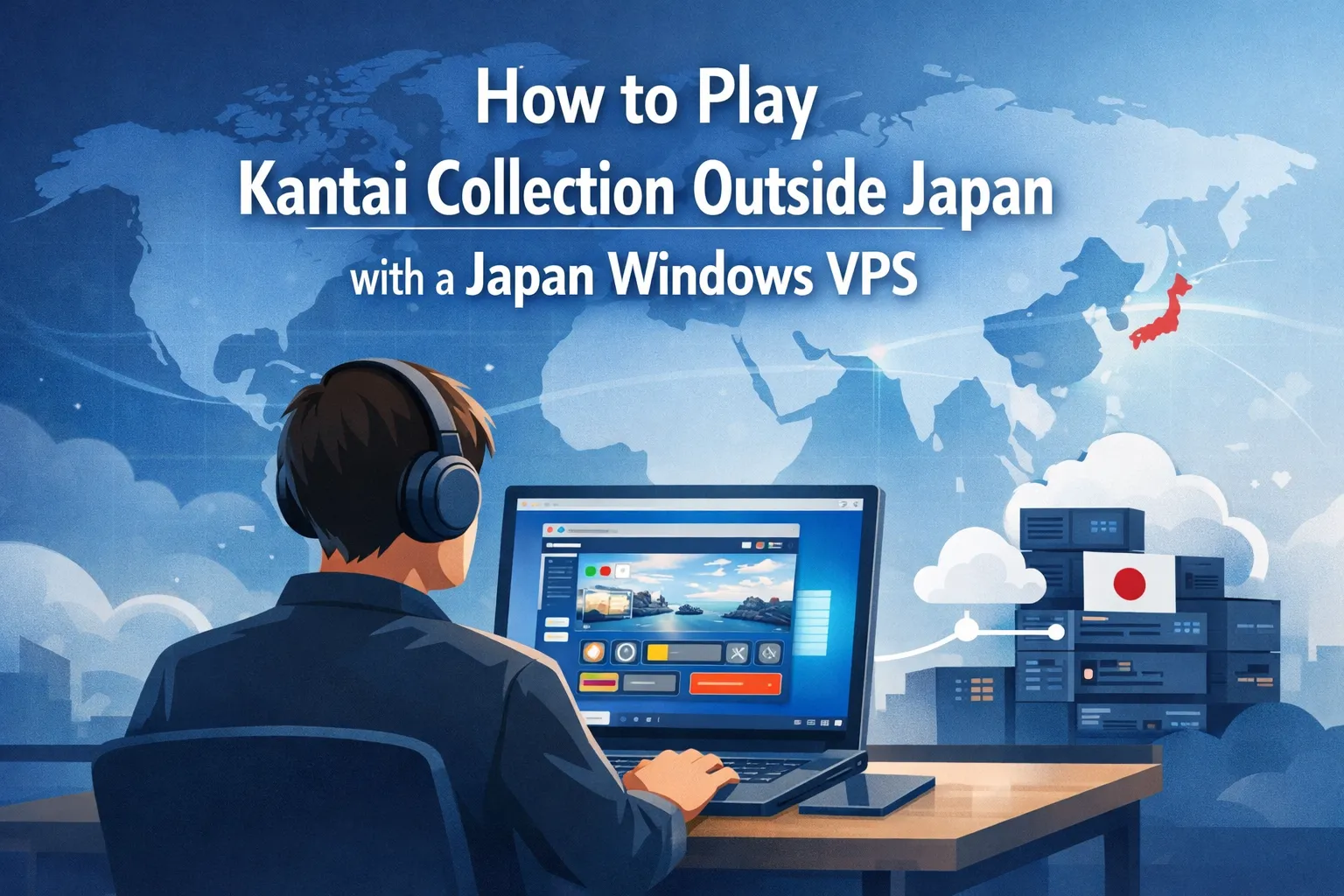
For many overseas fans, the biggest challenge with Kantai Collection (Kancolle) is not learning the mechanics of the game but simply getting past DMM’s region checks. Traditional VPN services can work for a while, but unstable routes, blocked VPN IP ranges, and inconsistent performance often turn a casual gaming session into a frustrating connection battle. If you want a more predictable way to access Kancolle from abroad, a Japan VPS is worth serious consideration.
By running a Windows desktop on a server physically located in Japan, you gain access to a native Japanese IP address and more stable routing to DMM Games. From that remote desktop, you can install your preferred browser, fine-tune the environment for Kancolle, and connect from multiple devices via Remote Desktop (RDP). In this article, we explain why Kancolle is region-locked, how a Japan VPS solves common access issues, and the exact steps to start playing from overseas. We also share performance tips and essential security notes for long-term use.
Why Kancolle Is Region-Locked
The official Kantai Collection browser game is hosted on DMM Games and is primarily designed for players in the Japanese market.
To enforce this regional restriction, DMM typically uses:
- IP geolocation to allow only connections originating from Japan
- Session and cookie checks to confirm that access conditions meet regional rules
- Blocking of known proxy and VPN ranges to reduce abuse and unauthorized access attempts
As a result, overseas players who connect directly from outside Japan, without a Japanese IP address, generally cannot access the game interface.
Why Use a Japan VPS for Kancolle
A Japan VPS gives you remote access to a Windows desktop hosted in a Japanese data center. From that environment, you can open a browser and access Kancolle as if you were playing from within Japan.
Key benefits of using a Japan VPS for Kancolle include:
- Native Japan IP suitable for DMM region checks
- Stable routing from within Japan’s domestic network
- Consistent performance compared to many public VPN services
- Flexible access from multiple devices via Remote Desktop (RDP)
For a more general overview of this method, including other Japan-exclusive browser games, Play Japan-Exclusive Browser Games From Anywhere with a Japan VPS.
Play Japan-Only Browser Games Overseas Without VPN Problems
How to Play Kantai Collection with a Japan VPS
By following the steps below, you can set up a Japan Windows VPS environment and play Kantai Collection from outside Japan with a stable connection.
1. Rent a Japan Windows VPS
Choose a Japan-based Windows VPS plan. Because Kancolle is a browser game, a small plan with at least 2 GB of RAM and SSD storage is usually sufficient, although 4 GB is recommended if you plan to run additional applications at the same time.
To understand common VPS usage patterns, seeJapan VPS Use Cases.
Real Use Cases of Japan-Based VPS for Global Businesses
2. Connect via Remote Desktop (RDP)
Use the standard Remote Desktop (RDP) client on Windows, macOS, or mobile devices to connect to your VPS. Full instructions are available in the Windows VPS Remote Desktop (RDP) Guide.
Remote Desktop Setup Guide for Your Windows VPS
3. Install a Browser Inside the VPS
- Install a modern browser such as Google Chrome or Mozilla Firefox on the VPS.
- Disable heavy extensions and unnecessary plugins to keep resource usage low.
- Set the browser interface language to Japanese if needed.
4. Access DMM Games and Kancolle
From the browser running on your Japan VPS:
- Go to the DMM Games website.
- Log in with your existing DMM account, or create a new one.
- Navigate to the Kantai Collection game page and follow the on-screen prompts.
Because your connection now originates from a Japan IP address, DMM’s region checks should allow you to launch and play Kancolle.
Performance and Troubleshooting Tips for Kancolle on a Japan VPS
Even with a stable Japan VPS setup, you may occasionally run into performance or display issues. The tips below can help you resolve the most common problems quickly.
- Laggy UI: Lower the RDP display resolution and turn off visual effects in the Remote Desktop session.
- Login loops: Clear cookies and cache inside the browser running on your VPS, then restart the browser and try again.
- Blank game screen: Disable script-blocking or ad-blocking extensions, or try launching the game from another browser.
If you experience frequent timeouts or broader connection problems with your Japan VPS, review our article on How to Stay Online During Cloud Outages.
Stay Online During Cloud Outages: Why You Need a Japan-Based Backup Server
Security Notes for Long-Term Kancolle Play on a Japan VPS
Because you may use your VPS regularly for Kancolle and other games, it is important to keep the environment secure. This section highlights a few basic security practices to help protect your VPS over the long term.
- Use a strong, unique RDP password or your VPS account and keep it strictly private.
- Apply Windows updates regularly on the VPS, and enable automatic updates where appropriate.
- Avoid installing untrusted software or browser extensions that could compromise your account or system.
- Follow best practices from the Secure RDP 2025 guide to harden your Remote Desktop access over the long term.
Secure RDP in 2025: Surviving Today’s Scanning Spikes
Conclusion: Enjoy Kantai Collection from Overseas with a Japan VPS
In summary, setting up a Japan VPS gives overseas fans a more stable and predictable way to enjoy Kantai Collection over the long term.
By using a Japan VPS, overseas players can access Kantai Collection more reliably than with many typical consumer VPN solutions. A native Japanese IP address, combined with a well-tuned Japan Windows VPS environment, provides a stable foundation for long-term Kancolle play from almost anywhere in the world.
FAQ
Q1. Can I play Kantai Collection from overseas with a VPN instead of a Japan VPS?
A1. Some players are able to access Kantai Collection with a VPN, but VPN IP ranges are often unstable and may be blocked by DMM’s region checks. A Japan VPS gives you a more consistent Japanese IP address, along with a dedicated Windows environment, which typically results in a more stable long-term setup than many consumer VPN services.
Q2. What kind of Japan VPS specifications do I need for Kancolle?
A2. Because Kancolle is a browser game, it does not require very high server specifications. In most cases, a small Japan Windows VPS plan with at least 2 GB of RAM and SSD storage is sufficient. If you plan to run other applications or multiple browser tabs at the same time, choosing 4 GB of RAM or more is recommended for smoother performance.
Q3. Is it safe to use a Japan VPS for long-term Kancolle play?
A3. A Japan VPS can be a safe and reliable option as long as you follow basic security best practices. Use a strong, unique RDP password, apply Windows updates regularly, and avoid installing untrusted software or browser extensions. You should also review your provider’s security recommendations to keep your VPS environment protected over the long term.
Start Playing Kantai Collection with a Japan VPS
If you want a more stable and reliable way to enjoy Kancolle from overseas, consider starting with a Japan Windows VPS. By running your browser on a server inside Japan, you can benefit from a native Japanese IP address, smoother routing to DMM Games, and a dedicated environment tuned for long-term play.
Looking for a Japan-Based VPS?
If you regularly access Japanese online services from overseas, a Japan-based VPS gives you a dedicated remote Windows environment hosted in Japan. Compare available plans, resources, and connection options to find a setup that fits your needs.